EMG SMILE
A learning product where students watch, ask questions and take part.
At a glance
- What it is
- A K-12 learning product where students watch lessons, ask and answer questions, vote and discuss.
- My role
- Frontend team member, working with education, product and design colleagues.
- What I built
- Lesson flows and interactive features, including real-time interactions
- Student dashboard and profiles, built from wireframes with the designers
- Connections from learning flows to internal tracking and reporting
- Stack
- Angular
- TypeScript
- NestJS
- Status
- Archived, 2018 to 2019
I also implemented the onboarding flow and helped coordinate sprint and feature work. The education team supplied the curriculum, and the mascot and visual language came from product and design.
What people use it for
A video lesson can explain an idea, but a student also needs a way to try it, ask about it and see what comes next. EMG SMILE was a K-12 learning product built around inquiry-based learning. Students could take lessons, create and answer questions, vote and discuss.
Learn
Open a course and work through a lesson.
Take part
Answer a quiz, ask a question or join a discussion.
Continue
Find the next lesson and review progress.
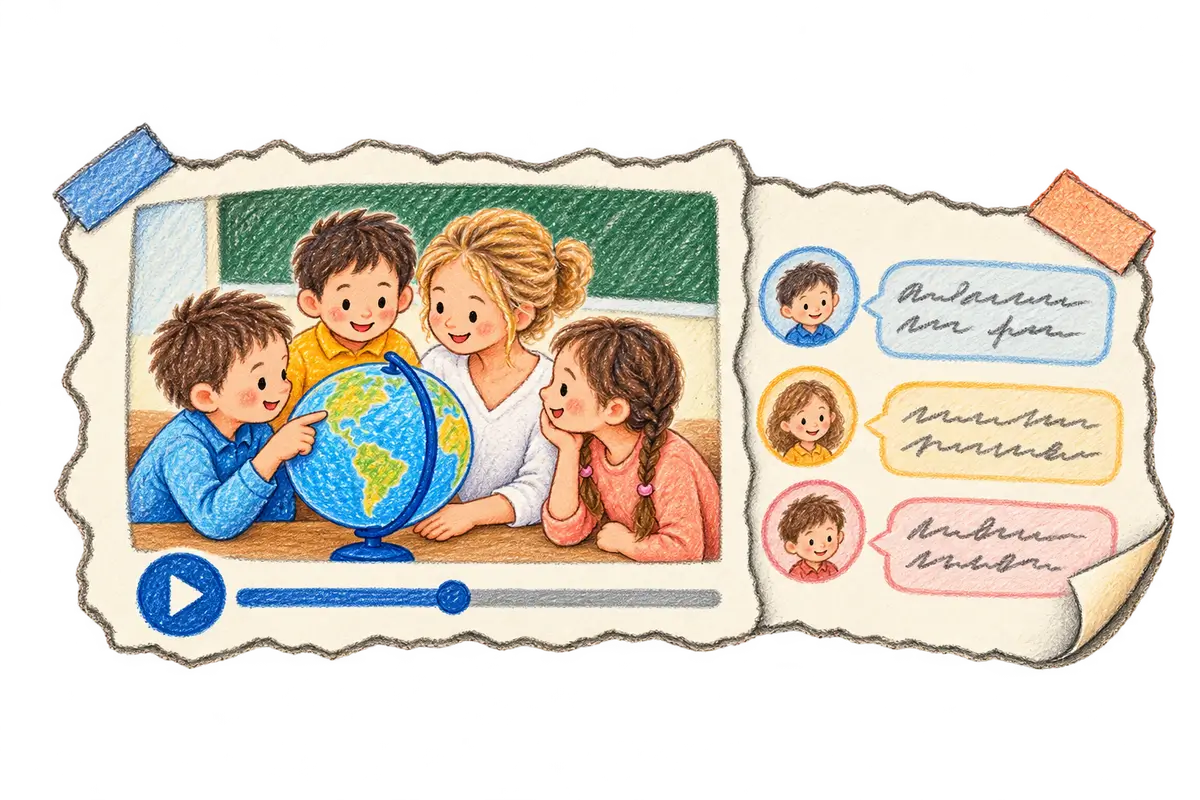
Give students something to do with a lesson
Courses were organized into units and lessons, with videos, quizzes and assignments. Question discussions let a student continue from watching into participation. Progress and lesson navigation needed to stay understandable throughout that flow.
I implemented frontend lesson flows and interactive learning features as part of the team, including real-time product interactions. The education and product teams supplied the curriculum and teaching method; the visual language and mascot came from the product and design team.
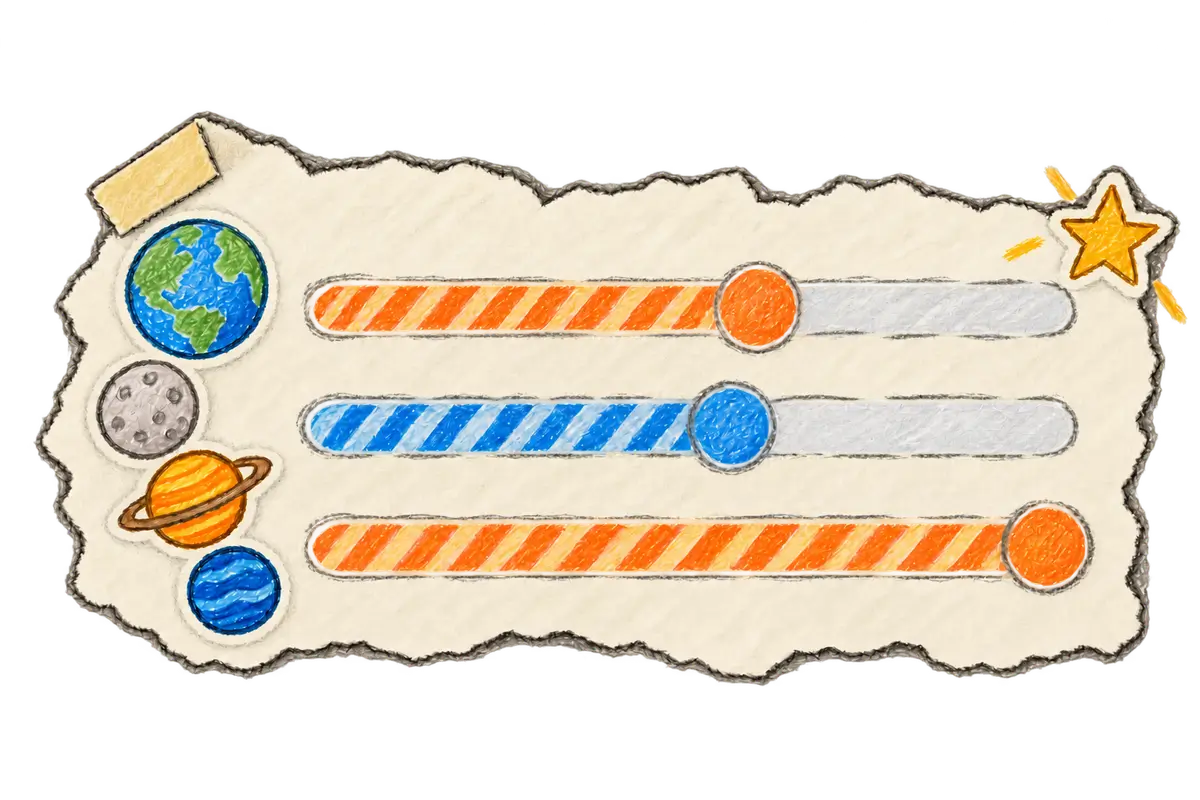
Make progress visible in the dashboard
I worked on the frontend dashboard and student-profile area, connecting subscribed topics with learning reports. I took the student-profile feature from wireframes and style guidance into implementation with the designers.
My work also connected learning workflows with internal management systems for tracking and reporting. Staff needed operational tools alongside the student-facing product, so the scope extended beyond the lesson screen.
Revise the product for the children using it
The team developed three major versions. Later work expanded onboarding, dashboards and back-office tools. The v3.0 redesign involved Figma designs, Jira planning, competitor reviews and research on interfaces for children.
I implemented frontend onboarding alongside the dashboard and lessons and helped coordinate feature work. A recurring design concern was whether the interface asked children to understand patterns better suited to adults.
Three versions of a collaborative learning product
The team delivered three major versions, covering video lessons, quizzes, discussions and student reporting. The curriculum included Math, Science and English, with both student and staff workflows.
My contribution was frontend work on the dashboard, onboarding and lessons, with student profiles and reporting integrations. The education, product and design teams owned their respective parts of the learning experience.
Something people can learn by doing?
Implementation notes
Product interfaces and integration
I worked on the Angular frontend, including dashboard, onboarding, lessons, communication flows and student profiles, plus connections to operational reporting. The wider product used a Node.js-based API and PostgreSQL.
Team and rollout
I worked within the frontend team and helped with sprint and feature coordination. The v3.0 plan tracked more than 142 tasks for the 2019 rollout. That total describes the team's planned scope, not my individual output or a measured effect on student attainment.