Choosing the right document before changing code, when an old one looks just as convincing
A wiki search can return an old planning note next to the guide the team follows now, and the code can end up following the wrong one. This is how I have a coding agent pick the right document and read its current version before it changes anything.
In short
A wiki search can return an old planning note beside the guide the team follows now, and both sound equally sure. With a scheduling form as the example, I show how Outline CLI, which I built, helps an AI coding assistant pick the right document, read its current version and keep its link beside the change. I also explain what its version check before an edit cannot prevent.

Picture a scheduling form that needs a cancellation notice. Before anyone touches the form, someone has to find the cancellation policy, so they search the team wiki and get two promising pages back: a planning note and a support guide. Both mention cancellations and both sound confident, which is the trouble, since an old note can look just as convincing as the current guide. If whoever makes the change picks the wrong page, the result can be a perfectly tidy form that follows an old decision.
The same thing can happen when a coding agent, an AI assistant that can read and change code, runs the search instead of a person. A matching sentence in the results helps narrow things down, but it cannot tell the agent whether the whole page governs this form. What I want from that sequence is a clear trail from the original question to the page the change relied on, so the agent should use the search to choose a page, read that page as it stands today, and keep its link with the work.
This is one of the problems behind Outline CLI, a tool I built for teams that keep their internal documents in Outline, a knowledge base app, so that a person or an agent can search, read and edit those documents by typing commands in the terminal. Using it for this job works a bit like a careful visit to a library: you skim the catalogue first, pull only the book you need, and note where the quote came from. In Outline CLI's terms, a compact search returns a short list of summaries or document IDs, a read command fetches the page the agent chose, and an edit command can preview and apply a small patch once the agent has stated that it intends to write and the page's version still matches what the edit expects. The sections below follow the agent through each of those steps as it finds the cancellation policy and uses it to change the scheduling form.
When the search returns several pages
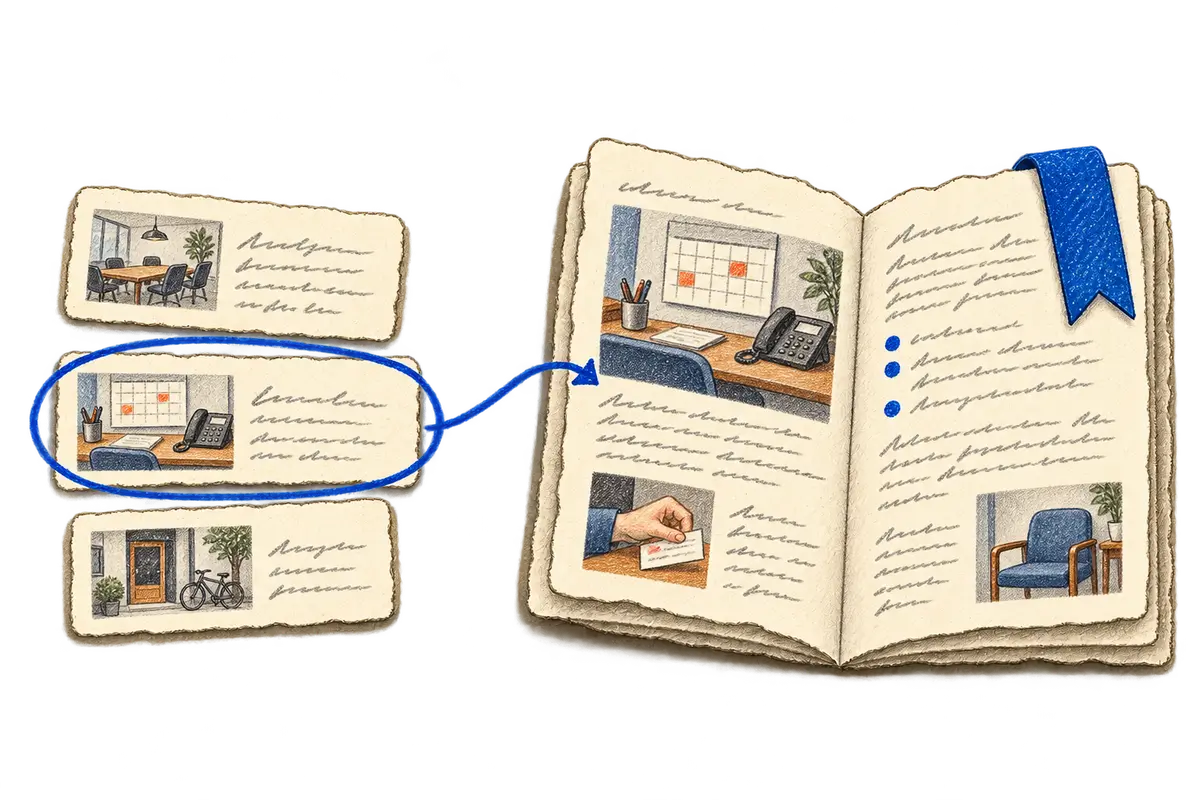
Searching for cancellation might return several pages. Outline CLI can answer with a small set of summaries or document IDs, so the agent chooses from that list and then asks for the contents of the page that looks relevant. That gives the search result a manageable job, helping decide what to open next, and it keeps the working conversation from filling with entire documents before anyone knows whether they matter.
A useful excerpt sends the reader toward its source. When the current wording of the policy matters, the agent needs to open the page and read that wording itself.
When the agent is ready to change the form
After reading the cancellation guide, the agent may have enough information to change the form. If the planning note and the guide still disagree, though, that disagreement needs an answer before it becomes a rule in the interface.
Once the requirement is clear, the source link can travel with the work. A reviewer can open the policy without repeating the search, and the person preparing the QA handoff can use the same reference to decide which behavior to check.
When the guide needs an update too
Sometimes the task includes updating the cancellation guide itself, and that starts with another read of the current page, because the edit has to account for what is there now, including changes that arrived while the form was being built.
Outline CLI can preview the difference and apply a focused patch, so a small wording change stays a small edit and it is easier to judge what will happen to the document. A request to fix a form and a request to rewrite its policy are separate pieces of work, so updating the guide has to be covered by the user's task, and the command also requires explicit intent before it performs the write.
When someone edited the page in the meantime
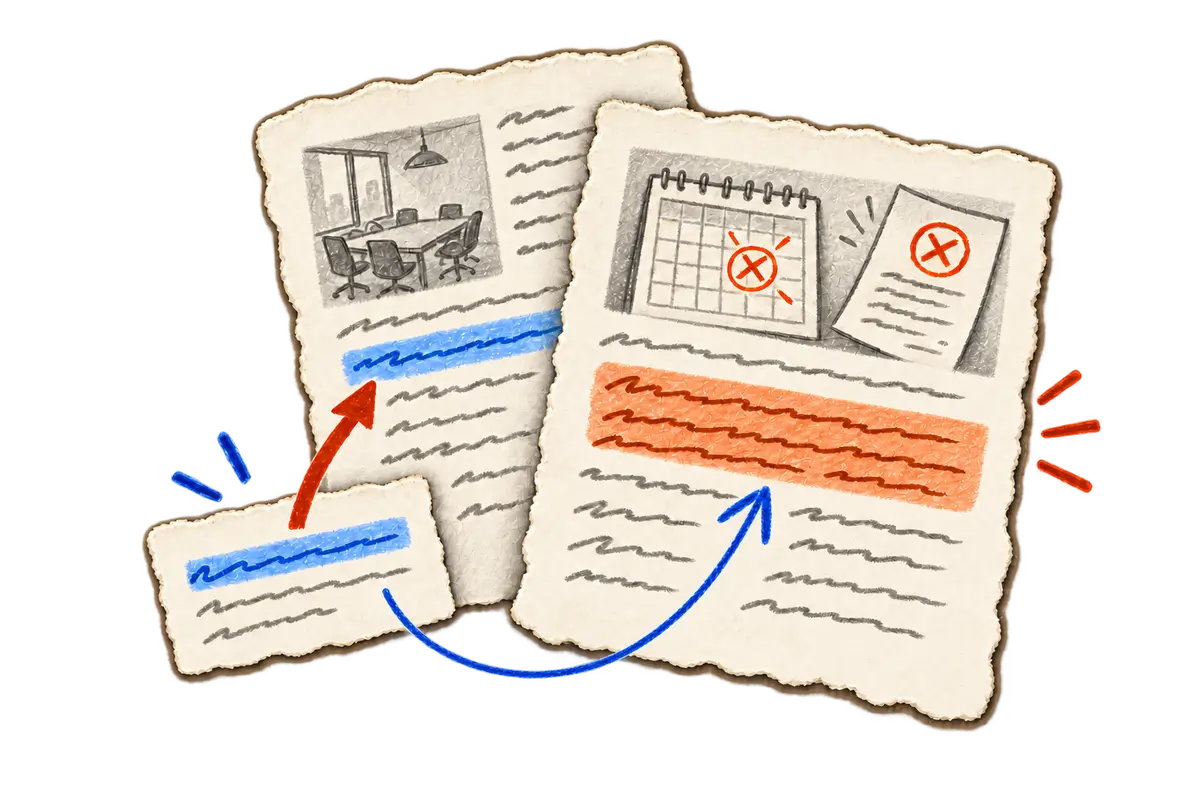
Each document has a revision, its version number. Before a safe patch, the CLI checks that the page still has the revision the edit expects, and a mismatch tells the agent to reread the page and reconsider its proposal.
That check has a practical limit: it runs before the write is sent and does not lock the page, so someone else can still edit during that gap. I keep the limit stated clearly because it helps people understand what the tool actually protects.
How I keep the agent on this path
I lead Outline CLI's development and define how an agent follows a search result to the current page before preparing a change. Coding agents produce much of the implementation, while I review their code changes, test whether an agent can follow that path, and refine the instructions when a step is unclear. One of those instructions asks the agent to return the original document link, so another person can inspect the same page.
The result I'm after is a change whose reasoning stays inspectable. You can follow it back to a document, see the wording that mattered and work out what needs revisiting if the cancellation policy changes later.
Reading, patching and deletion
The usage guide covers compact search, selected reads and intentional edits. Writes require performAction:true. Deletion also requires a recent read receipt tied to the selected document and workspace profile, and the receipt expires. Repository tests cover target matching for deletion and the expected-revision requirement for patches. These command conditions support the workflow, while the user's task supplies the authorization.