When the person checking your work doesn't know where to start
A finished task marked only Done leaves the person who checks it hunting for the right version and for what was already tried. I made Jira CLI so a coding agent can leave that starting point in the ticket.
In short
When an AI coding assistant hands a booking page fix to QA with a note that only says Done, the tester must find the right build and guess what was tried. I show what the agent should record as it works, and how Jira CLI, which I made, previews the note before posting and keeps permission to comment apart from permission to move the ticket.
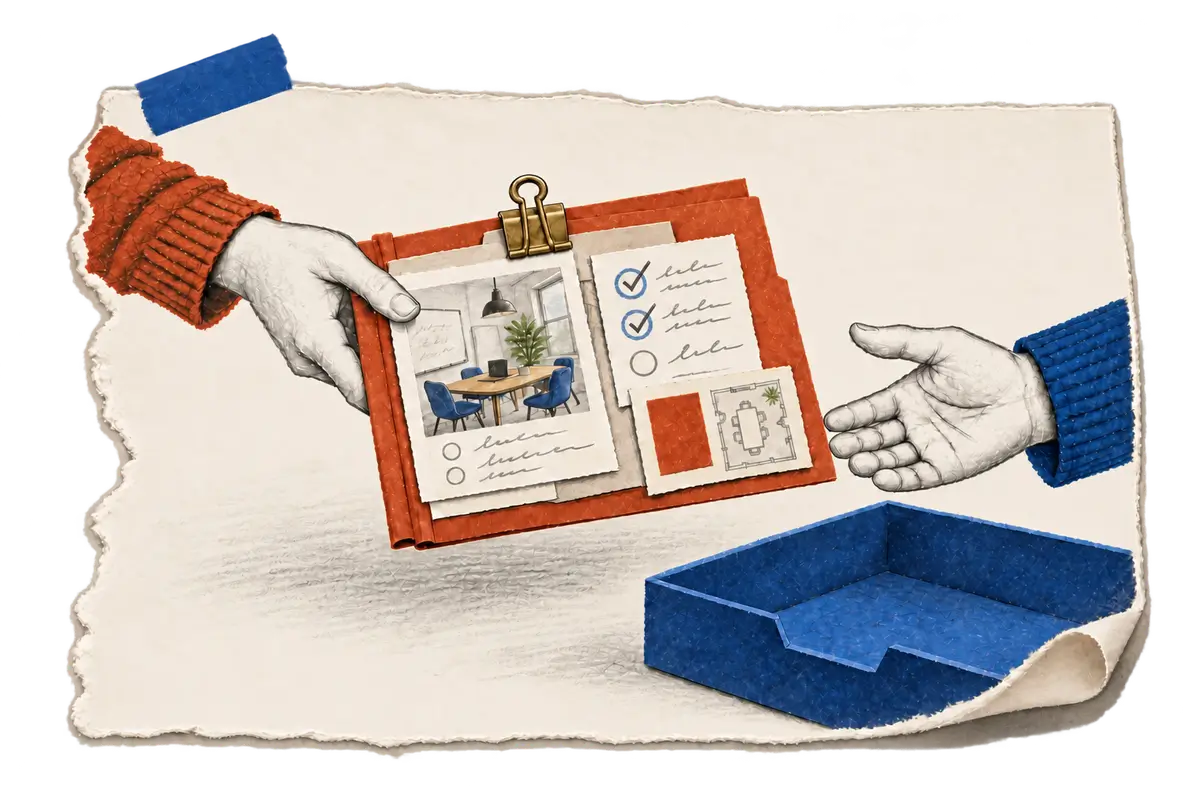
When you hand finished work to someone else to check, a note that only says Done leaves them guessing where to start. Suppose a coding agent, an AI assistant that edits code, has just changed a booking page on a website. It moves the ticket, the record where the team tracks that task, to Ready for QA, the status that tells the tester it is their turn, and leaves exactly that one-word comment. The tester wants to check one thing, that changing the date keeps the selected location, but before they can try it they have to find the version that contains the change and work out what the agent has already checked.
Those details may still be sitting in the developer's conversation with the coding agent rather than in the ticket QA reads, so the tester ends up retracing the work just to reach the page.
I made Jira CLI so the agent can carry that context into the ticket while it still has it, and QA can start from what was already tried. Many teams already keep their task records in Jira, which works like a shared board where everyone looks to see what is done and what is waiting. Jira CLI lets an agent use that board from the same working environment it uses for the code: it can read the ticket, prepare an update, attach an image or a log, and, when the user allows it, move the ticket along the project's workflow. By default, Jira CLI previews a proposed update without sending it, so the agent can inspect the destination and wording before it chooses to carry the change out.
When the agent finishes the booking change
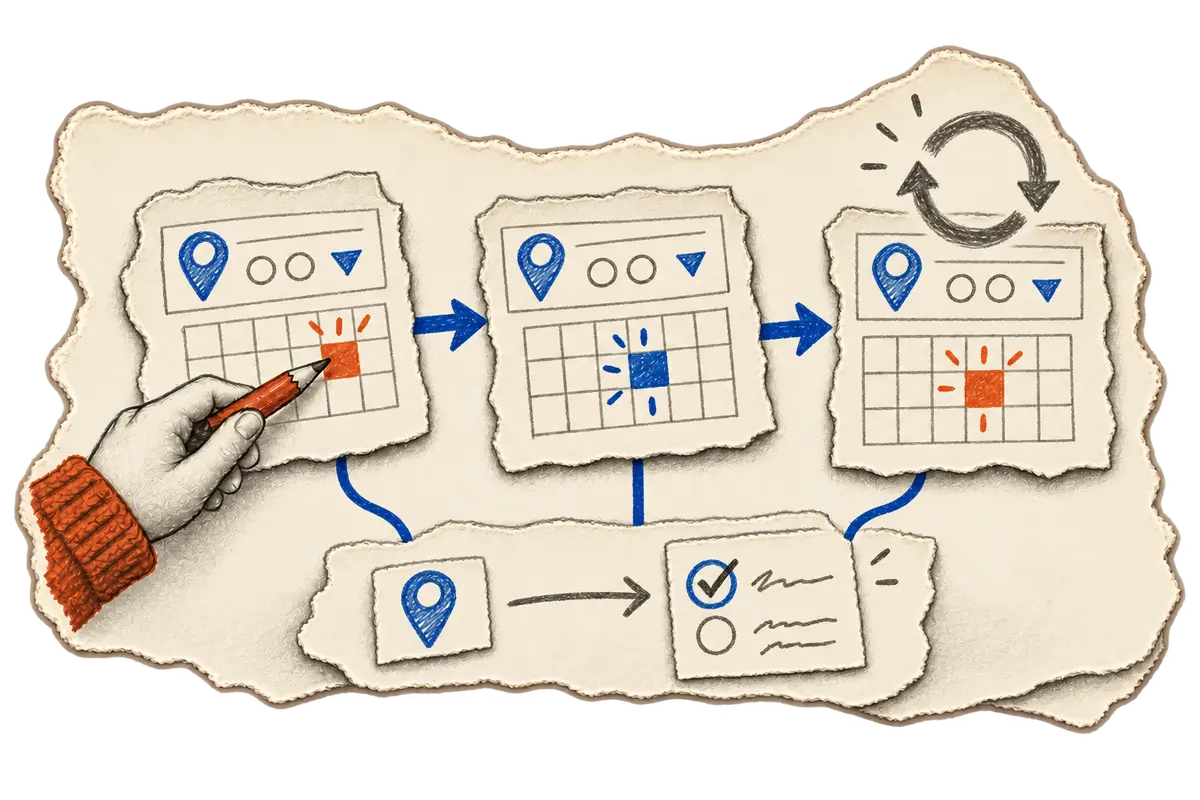
The useful part of the handoff has to be collected during the work, because that is when the agent can see what actually happens. For the booking ticket, that means noting the environment and build it opened, the steps it took to select a location and change the date, and whether the location stayed selected, with a link to the screenshot or log that shows the result. If nobody tried a reload, the note says that too, so QA can repeat the checked path and pick up the part that is still unanswered.
I want the agent to collect this information as it works:
Where: the environment and build to open
Checked: the actions that actually ran
Result: what happened during those actions
Evidence: a link to the relevant image or log
Still to check: behavior outside those checks
Someone writing the comment by hand can use the same structure, but a neat format cannot supply a check that never ran, so the agent has to gather these observations during the task to fill the fields in honestly. When several builds are available, the version matters as much as the steps, because QA needs to open the one those observations came from. Each piece of evidence belongs beside the action it supports, and a blocked check stays visible next to the checks that ran.
When the note is ready to go into Jira
Once the agent has that note, Jira CLI can post it as a comment with attachments, so the screenshot of the location pin sits right beside the explanation of the date change.
Changes default to a preview, which gives the agent a chance to inspect both the destination ticket and the proposed wording before it sends the booking-page update. That check matters because the right explanation posted on another ticket would still leave QA looking for the handoff.
Before the ticket moves to Ready for QA
Jira CLI can also move the ticket through the transitions available in the project's workflow, so once the comment is ready, the next question is what the user has authorized the agent to do. Permission to comment and permission to change status need to be checked separately, since an agent allowed to post the booking note is not automatically allowed to move the ticket. The preview makes the proposed action visible, and the task's authorization still has to cover it.
When QA opens the ticket
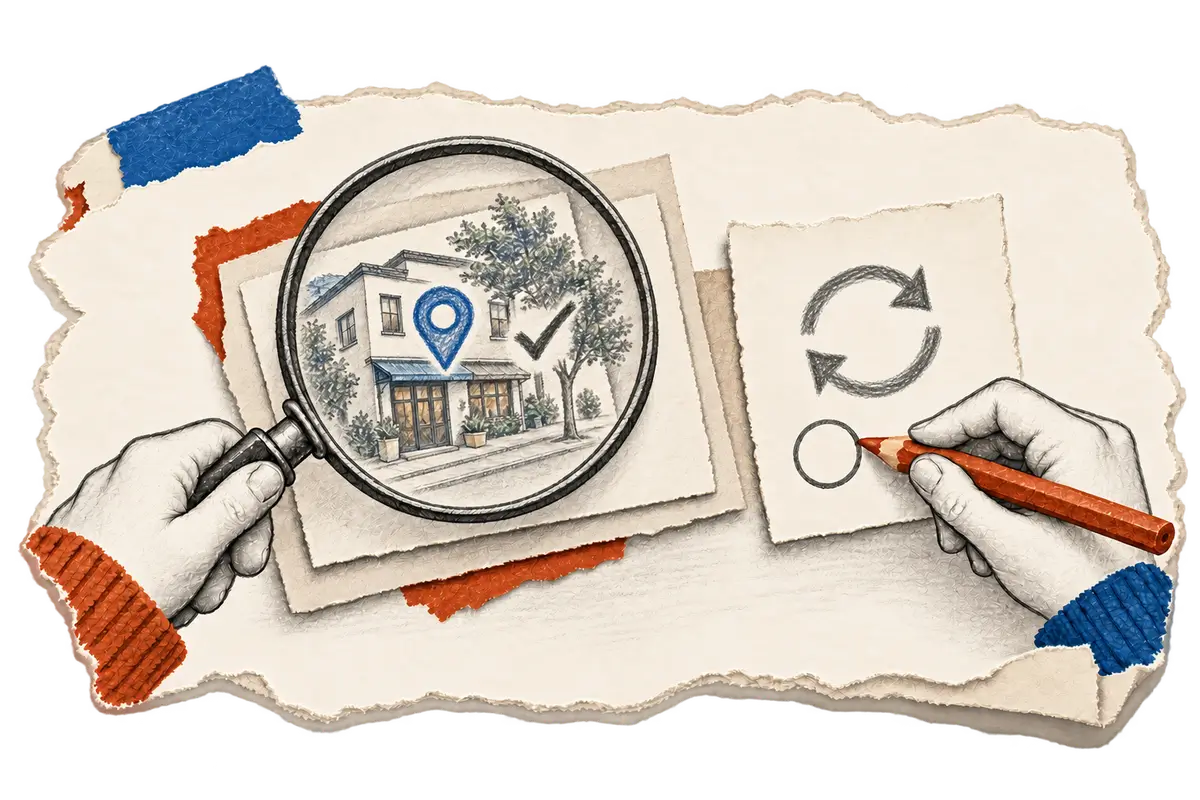
When QA comes back to the booking ticket, the result should tell them how far the observations go. A screenshot can show the selected location on the page, but confirming that it survives a reload takes a reload and another inspection, and if the work also involves submitting a form, that needs its own submission check.
With that boundary written down, the handoff gives QA a specific place to continue: repeat the date change on the identified build, then investigate the reload if it is still unchecked. If testing sends the ticket back for revision, the developer can use the same record to find the starting state again.
How I work on Jira CLI
I lead Jira CLI's development, from its command interface to the instructions agents follow when they prepare a handoff. Coding agents help with the implementation, and I review their code changes against the workflow I set up, in which the agent inspects the ticket, prepares an update and checks the proposed action before sending it. I test those interactions and revise the tool and its instructions when the workflow needs adjusting. The harness story follows how the task context reaches this handoff in the first place.
If you want to try something similar, with or without this tool, the five fields above are a reasonable place to start, as long as they are filled only from what actually ran. Keep permission to comment apart from permission to change status, and remember that the ticket can only be as accurate as the observations the agent brings to it.
Using Jira CLI for the handoff
The comment command supports comments and attachments. Mutations default to dry runs and require --perform-action for execution. Inspect the issue first, keep permission for comments separate from permission for transitions, and report failed or blocked checks beside passed ones. The tool records the observations the agent supplies; it does not independently verify application behavior.